The Arduino Uno
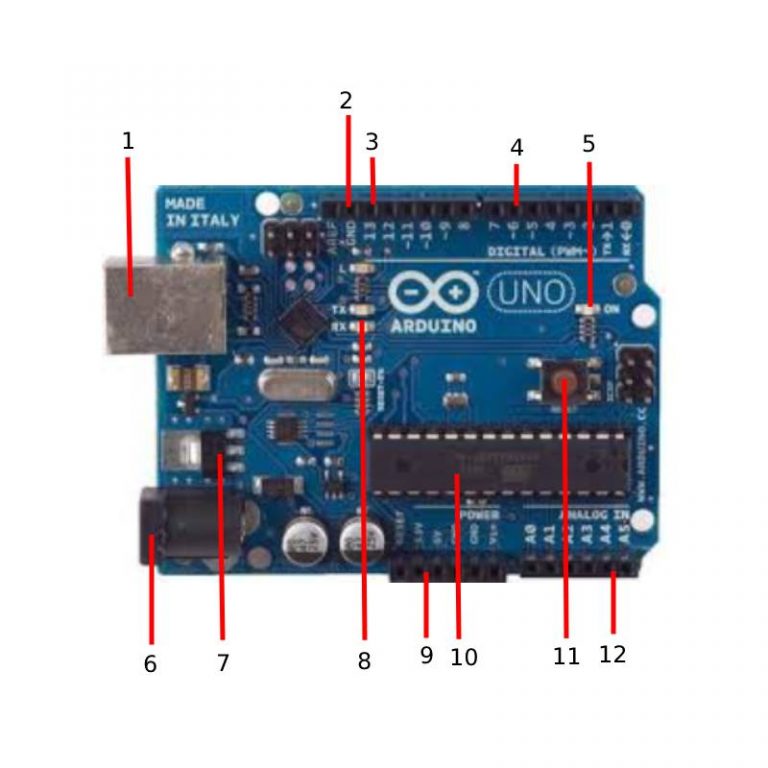
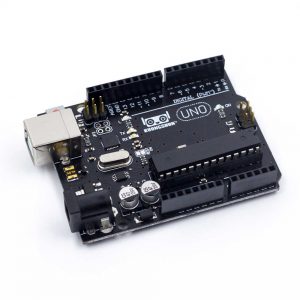
The Arduino is one of the most popular micro-electronic devices which finds application in countless electronic projects and poses as a go-to starter for those interested in exploring the field of robotics. Arduinos are the computational unit of a system, essentially playing the role of a miniature computer which performs desired actions based on the information coded in its interface. Here is what a typical Arduino board looks like:
Fig 1: The Arduino Uno
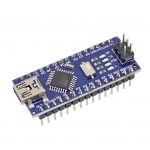
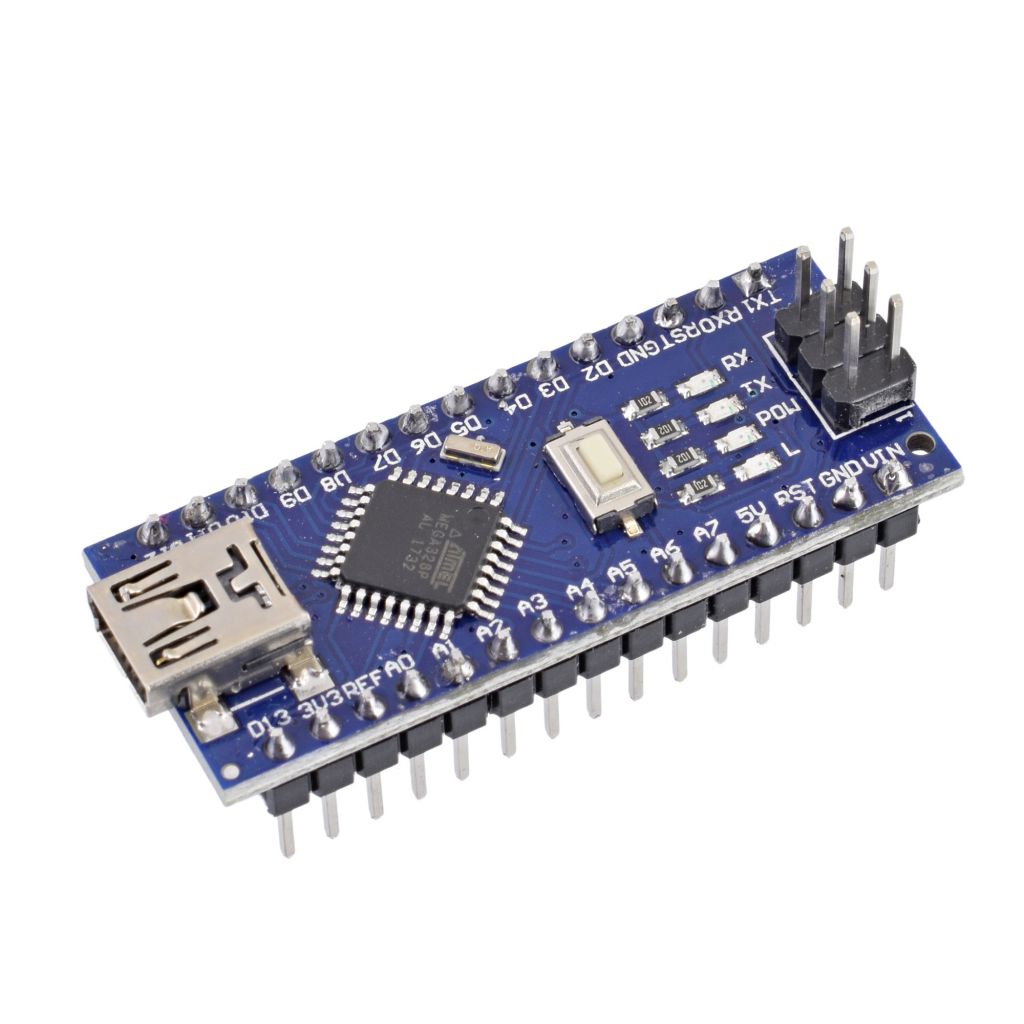
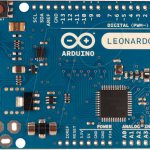
As seen in Figure 1, the Arduino Uno is a classical model of the device. However, depending on the user’s choice, multiple other models of the Arduino are also available like the Arduino Nano and the Arduino Leonardo as seen below:
Since in our project we will be using the Arduino Uno, we shall discuss about its features and briefly touch on how we understand its application by citing some common Arduino-based projects.
Features:
Let us try to understand the parts of the Arduino Uno so as to get an essence of what the board contains and what it is capable of doing.
- USB Connector: used to upload the code from the IDE into the board. Can also be used to power the device.
- Ground Pin: establishes the electrical ground/zero volts. Can be thought of as a way to complete the circuit.
- Pins 0-13: provide digital input/output which are binary in nature, either “full power supply” (HIGH) or “zero power supply” (LOW).
- PWM: some pins have the “~” symbol next to them, indicating the use of analog voltages. These differ from the digital pins in the sense that they can vary over a continuous range rather just being binary.
- Power LED: this glows up when the Arduino is powered up.
- Power Barrel Jack: Arduino receives power supply from here.
- Voltage Regulator: Arduino typically functions within a range of safe voltage limits. This regulator ensures that the supply remains inside that range.
- TX/RX LED: these glow up when the system transmits/receives data.
- 5V/3.3V Pins: Arduino is also capable of supplying voltage to another device, either 3.3V or 5V depending on which pin is connected.
- ATmega Microcontroller: code from the IDE is processed here. This is the miniature computer.
- Reset Button: stored code can be restarted once the button is pushed.
- Analog Pins: they receive analog voltages as inputs from external devices.
With the parts discussed, the next step is to understand how the Arduino can be used. The Arduino IDE is an open-source software which executes programming commands in C++ once they are uploaded onto the Arduino. For starters, it is required that we have some basic understanding of the language.
For those who would like to learn the coding from scratch, here is a link to a series that gives an excellent introduction about how coding is done with the Arduino, and also explains the concepts by simultaneously performing hands-on experiments:
The L298N Motor Driver
Fig 2: The L298N Motor Driver
The L298N motor driver is used for regulating voltage supply to DC motors. It is capable of running 4 motors at one time, or it may also be used to run 2 motors with additional control on direction of rotation. This is a useful property in the case of our project, since being able to change the wheel’s movements allows the robot to adjust to change in its angular position.
Listed below are the features of the L298N:
Features:
- Heat Sink: eliminates excess heat and enhances the performance of the driver.
- OUT1, OUT2: connect to the motor(s) on the right side.
- OUT3, OUT4: connect to the motor(s) on the left side.
- +12V: external power supply attaches here. Traditionally, any power source ranging 9-12V works sufficiently.
- GND: common ground.
- +5V: may be used as a logic input or a DC output.
- Motor Direction and Speed Ports: depending on the voltage supplied to the driver, the motors rotate with a certain speed and in a specific direction.
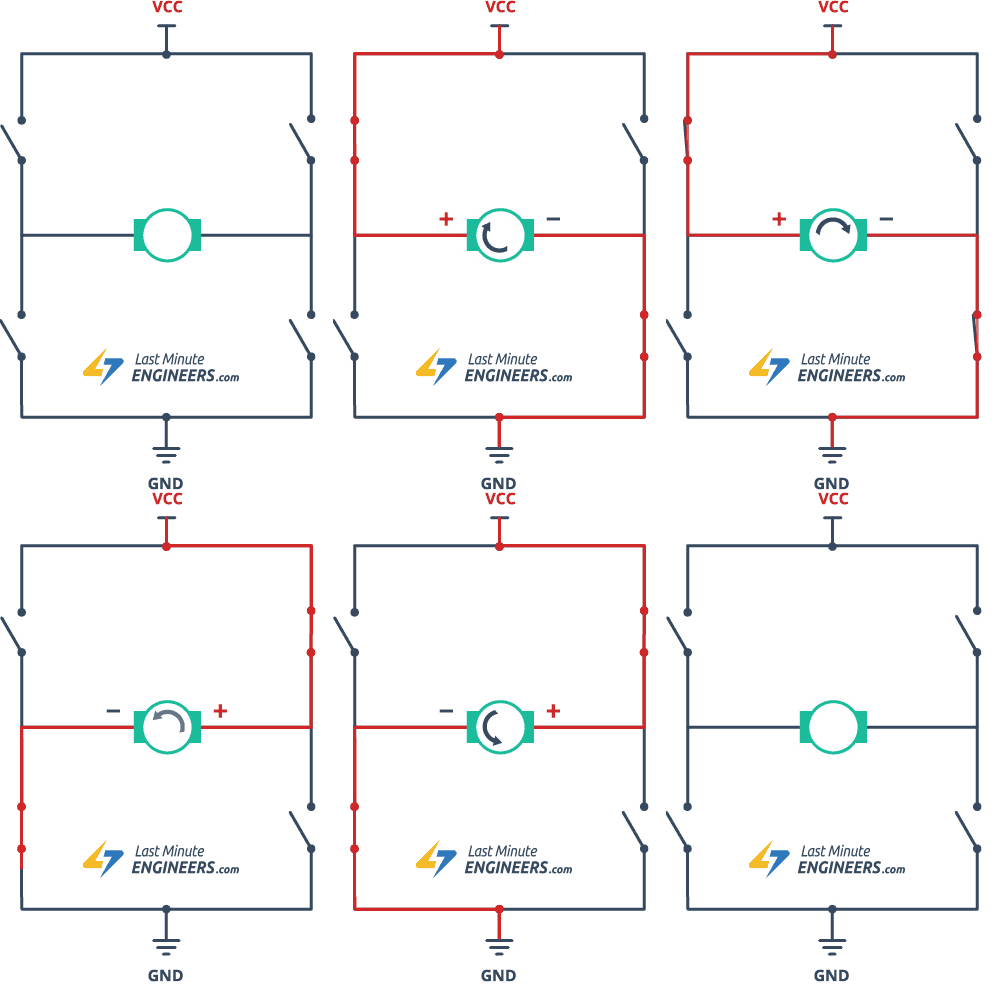
One interesting aspect of the motor driver is that it can change the direction of rotation of the motors. The principle that works on is essentially an elementary circuital setup called the H-Bridge. The circuit is capable of diverting current into ports that control the rotation in a given direction. This current can be reversed when the polarity of the circuit is switched and this leads to a reversal in the wheel’s rotation.
The animation below from the Last Minute Engineers website accurately represents the working of the H-bridge.
Besides controlling the speed and direction of motion , the importance of motor drivers is that they regulate the voltage supply to the motors. DC motors are generally low voltage devices and the power supplied to them directly from sources is significantly higher. A direct connection could lead to a possible damage of the part. The motor driver helps here by supplying voltage as per the requirement of the motor.
The link below provides more information on the L298N motor driver:
Authored by: Shivam Kaul
Last updated: May, 2021